The front desk for your web app.

Sightkick compiles a .sightmap/ corpus and a short YAML tool layer into WebMCP tools. Agents call search_flights(origin, destination, date) instead of hunting for the search box.

Paste the prompt into Claude Code, Cursor, or any agent that can run a shell. It maps your app and builds a working tool layer.

Agents arrive at your app with no idea where anything is.

They land in the lobby holding the blueprints. So they read the DOM, guess at a selector, click, screenshot, and guess again. It works often enough to be tempting and breaks the first time someone reorders a list.

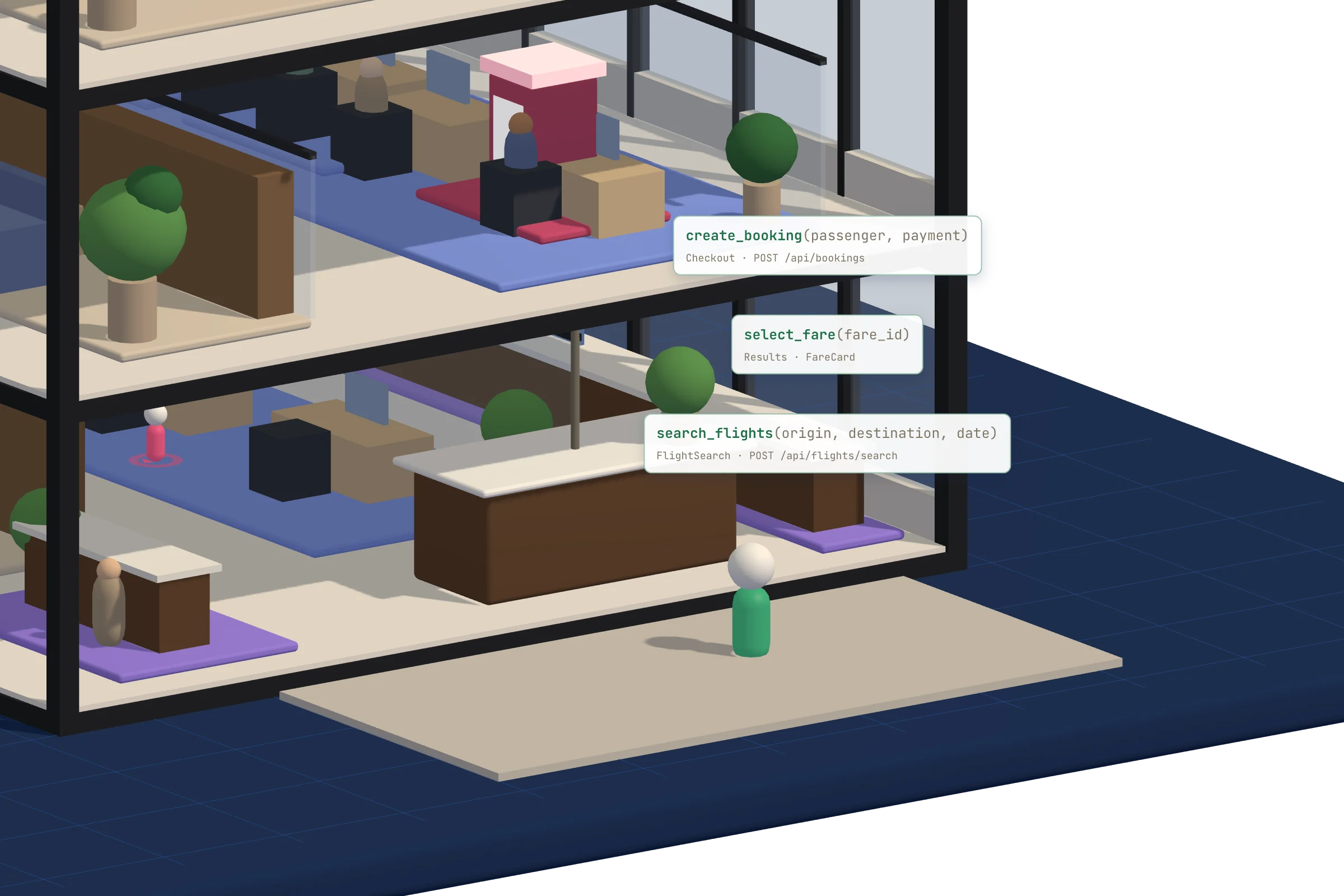
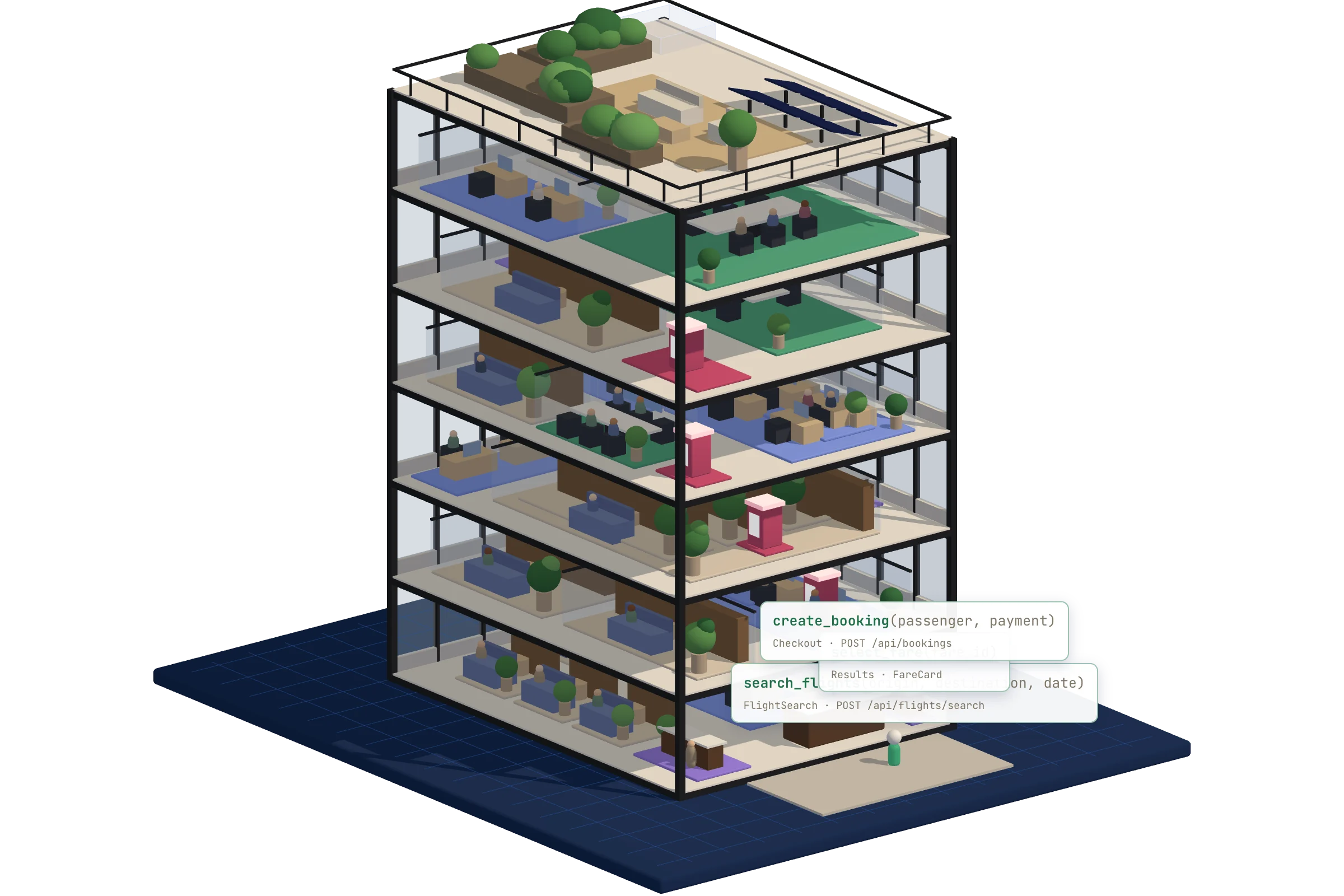
Real buildings solve this with a desk by the door. You walk up, say what you came for, and someone tells you the floor. Sightkick puts that desk in your app. The building already knows its own rooms, because a .sightmap/ corpus named them, and Sightkick turns that knowledge into a short list of things an agent can ask for by name.

Without a tool layer
agent transcriptwandering
 screenshot the page
 find the search box
 click div.sc-hKgILt > input
 type, screenshot, did it take?
 find the submit button
 screenshot, parse the results
 11 steps, 6 screenshots
With a tool layer
agent transcriptfront desk
 search_flights("SFO", "JFK", "2026-10-02")

{ "ok": true,
  "items": [{ "fare": "$214", "stops": "nonstop" }, …],
  "guidance": [{ "tool": "select_fare" }]
}

 1 step, 0 screenshots

Six jobs that get easier.

testing

Tests that survive a refactor

A test written against [data-testid="row-3"] > button.primary breaks when someone reorders a list. A tool call names what it wants. The selector lives in one place, the corpus, and every tool that reaches that element is fixed by editing it once.

verification

Agentic verification

After a deploy, an agent calls the same three tools and compares the structured result to what it expected. ok:false and the failing step come back as JSON, so a run either passes or says which step it died on and why.

computer use

Fewer screenshots per task

Driving a UI from pixels costs a screenshot, a guess, and a click, repeated. A tool call costs one round trip and returns typed fields. The agent spends its context on the decision rather than on working out which of 24 anchors is the right one.

agent experience

Your app tells agents what it offers

WebMCP is how a page hands the agent in the same tab a list of callable actions. Almost no production app declares any yet. Sightkick compiles them from the outside, so you can offer that surface without waiting for a rewrite.

ergonomics

YAML, not a driver script

A tool is a name, its params, ordered steps, and the shape it returns. No page objects, no bespoke automation harness, no framework adapter. The compiler resolves every reference against the corpus and tells you which name it could not find.

guidance

Journeys, so an agent knows what comes next

Declare the order tools tend to run in and the compiler attaches breadcrumbs to every result. After get_latest_deploy_status the answer itself suggests list_recent_deploys, with the reason you wrote.

Sightkick is the second half of Sightmap.

Sightmap maps the building. Sightkick opens the desk. They are separate CLIs and separate npm packages, and Sightkick reads the corpus Sightmap produces, so the selectors, component names, and memory notes you already committed are the thing the tools are written against.

  1. 01

    .sightmap/ — the map

    Views, components and the properties extracted off them, authored with the Sightmap CLI against the running app. This is the only place a CSS selector appears.

  2. 02

    .sightkick/ — the tool layer

    Any number of YAML files, merged. Each tool names its params, its ordered steps, and the shape it returns, all addressed by component name rather than by selector.

  3. 03

    sightkick build — the IR

    One self-contained JSON artifact. The compiler resolves every reference against the corpus and names the ones it cannot find. --verify checks each extractor against a captured snapshot and warns on fields that come back empty.

  4. 04

    The runtime — the desk itself

    A 19 KB bundle registers the IR on document.modelContext. On Chrome for Testing that is the browser’s native WebMCP surface, so any WebMCP client reads the tools the same way it would read a site’s own.

From an unmapped app to a callable tool.

Sightkick needs a corpus to compile against. If the app has no .sightmap/ yet, step 01 builds one; if it does, start at step 02.

01

Install both CLIs and the skills

Both ship as prebuilt native binaries through npm, so no Go toolchain is needed.skills install writes the four agent playbooks into ~/.agents/skills.

your project rootshell
$ npm install -g @sightmap/sightmap @sightmap/sightkick
$ sightkick skills install
installed 2 sightkick skill(s) → ~/.agents/skills
  sightkick-authoring
  sightkick-debug
installing the supporting sightmap skills …
  sightmap-authoring
  sightmap-browser
02

Write the tool layer

.sightkick/ sits beside .sightmap/ and every *.yaml inside it merges into one manifest. A tool is params, steps and a returns shape. ensure_view scopes it to one view in the corpus.

.sightkick/tools.yamlyaml
version: 1
name: flights

tools:
  - name: search_flights
    description: Search flights for a route and date.
    ensure_view: FlightSearch
    params:
      - { name: origin, type: string, required: true }
      - { name: destination, type: string, required: true }
    steps:
      - fill: { query: OriginInput, value: "{{origin}}" }
      - fill: { query: DestinationInput, value: "{{destination}}" }
      - click: { query: SearchButton }
      - wait_for: { query: 'FareCard#0' }
    returns:
      list:
        rows: FareCard
        fields: { fare: price, stops: stops }

Every name here — FareCard, price, stops — is a component or property declared in .sightmap/. A name the corpus does not have is a compile error with the candidates printed.
03

Compile and check it

--verify runs the returns extractors against a captured snapshot of the view, so a field that resolves empty on every row is caught before an agent ever calls the tool.

your project rootshell
$ sightkick build . --verify -o tools.ir.json
 wrote 2 tool(s) to tools.ir.json
04

Run the tools on the live page

sightkick browser builds the IR, starts a session and injects the runtime so it survives navigations. call invokes one tool and prints its result as JSON, exiting non-zero when a tool reports failure.

your project rootshell
$ sightkick browser .
 sightkick tools are live on the page
$ sightmap browser mcp list
WebMCP (native) — 2 tool(s)
$ sightkick call . search_flights --param origin=SFO --param destination=JFK
{ "ok": true, "items": [{ "fare": "$214", "stops": "nonstop" }] }

--via cli drives real browser input and runs from any page. --via webmcp asks the page’s own registered tool to run itself, which is the path a real WebMCP client takes.

One prompt, the whole loop.

to your agentprompt
Build a WebMCP tool layer for this app with sightmap + sightkick.

1. npm install -g @sightmap/sightmap @sightmap/sightkick
2. sightmap skills install
   Read sightmap-authoring, sightmap-browser, sightkick-authoring and
   sightkick-debug before you start. They are the source of truth.
3. Start a session against the running app:
   sightmap browser start --url <APP_URL>
4. Follow sightmap-authoring to map the 1-3 pages the tools need. Verify every
   selector with sel-probe before it goes into YAML, get each page to 0
   orphaned nodes, and run sightmap capture on each view.
5. Follow sightkick-authoring to write .sightkick/tools.yaml. Include at least
   one read tool. Declare a journey so results carry guidance.
6. sightkick build . --verify -o tools.ir.json
7. sightkick browser .            # starts the session, persist-injects the tools
   sightmap browser mcp list      # confirm they registered
   sightkick call . <tool> --param k=v --via cli
   sightkick call . <tool> --param k=v --via webmcp
8. Report what you built, the JSON each tool returned, and anything that failed
   with its actual error text.

The whole CLI.

sightkick build <dir>Compile .sightkick/ + .sightmap/ into tool IR. --verify checks extractors against captured snapshots.
sightkick browser <dir>Build, start a sightmap session, and persist-inject the runtime so tools re-register on every document.
sightkick call <dir> <tool>Invoke one tool with --param k=v and print its ToolResult as JSON. --via cli or --via webmcp.
sightkick runtimeEmit the runtime bundle to inject into a page you serve yourself.
sightkick skills installInstall the sightkick and sightmap agent skills into ~/.agents/skills.